
Help center / Install
Install with a QR code
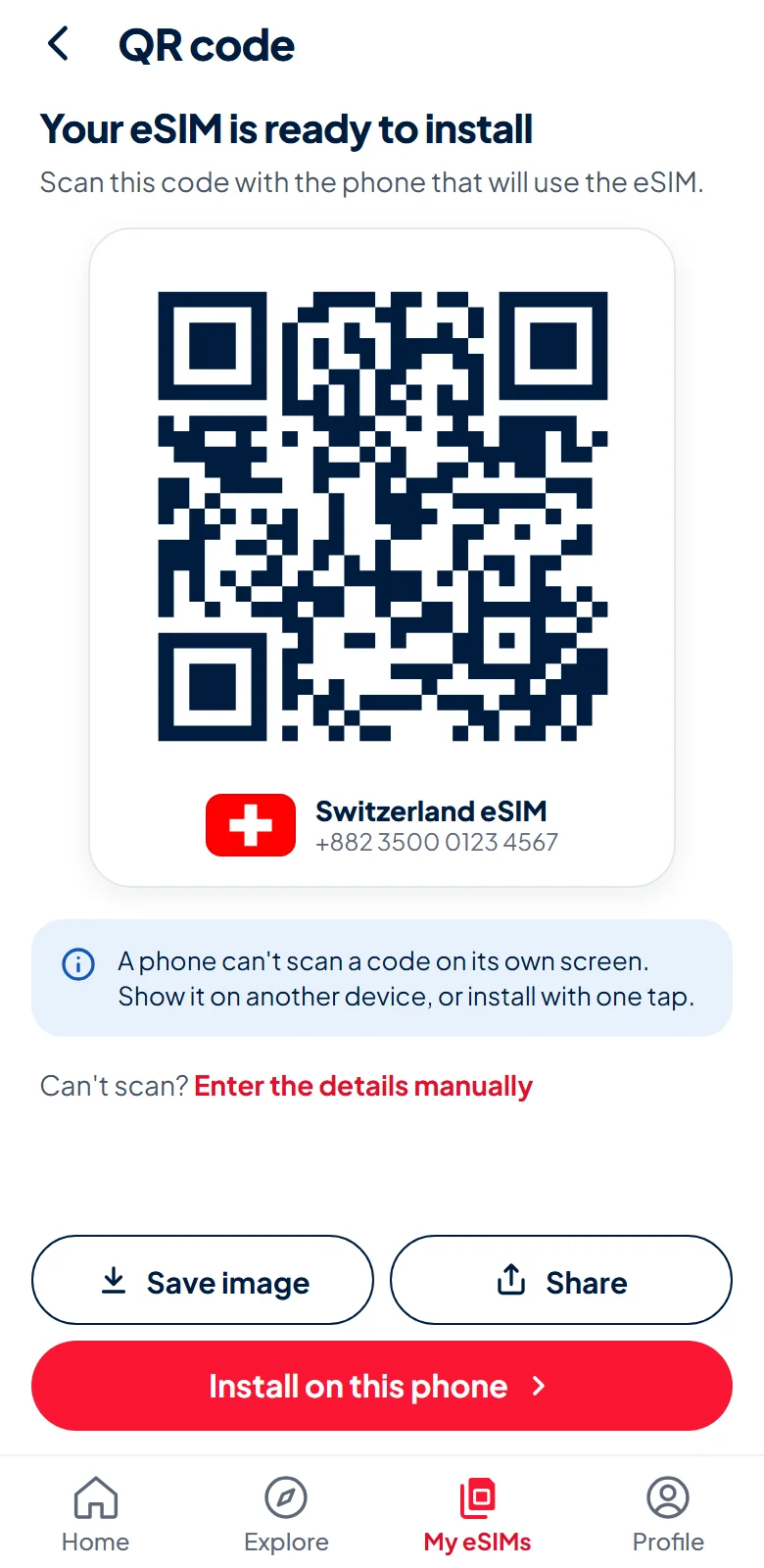
If one tap does not work, you can install the eSIM with a QR code.
The code must be on another screen (another phone, a computer or printed), because a phone cannot scan its own screen. The QR code also arrives by email right after you buy.
1On the other device, open My eSIMs › eSIM › “Set up eSIM” › “QR code”, or the email with the QR code.
2On iPhone: Settings › Cellular (Mobile Service) › Add eSIM › Use QR Code.
3On Android: Settings › Connections › SIM manager › Add eSIM › Scan QR code.
4Scan the code and confirm adding the eSIM.
The QR code and activation code often work only once. If the new line already shows in your settings, do not delete it and do not install it again.
On the NoRoaming line, turn on Data roaming. It is needed and costs nothing extra.