Help center / Install
Getting started with the NoRoaming app
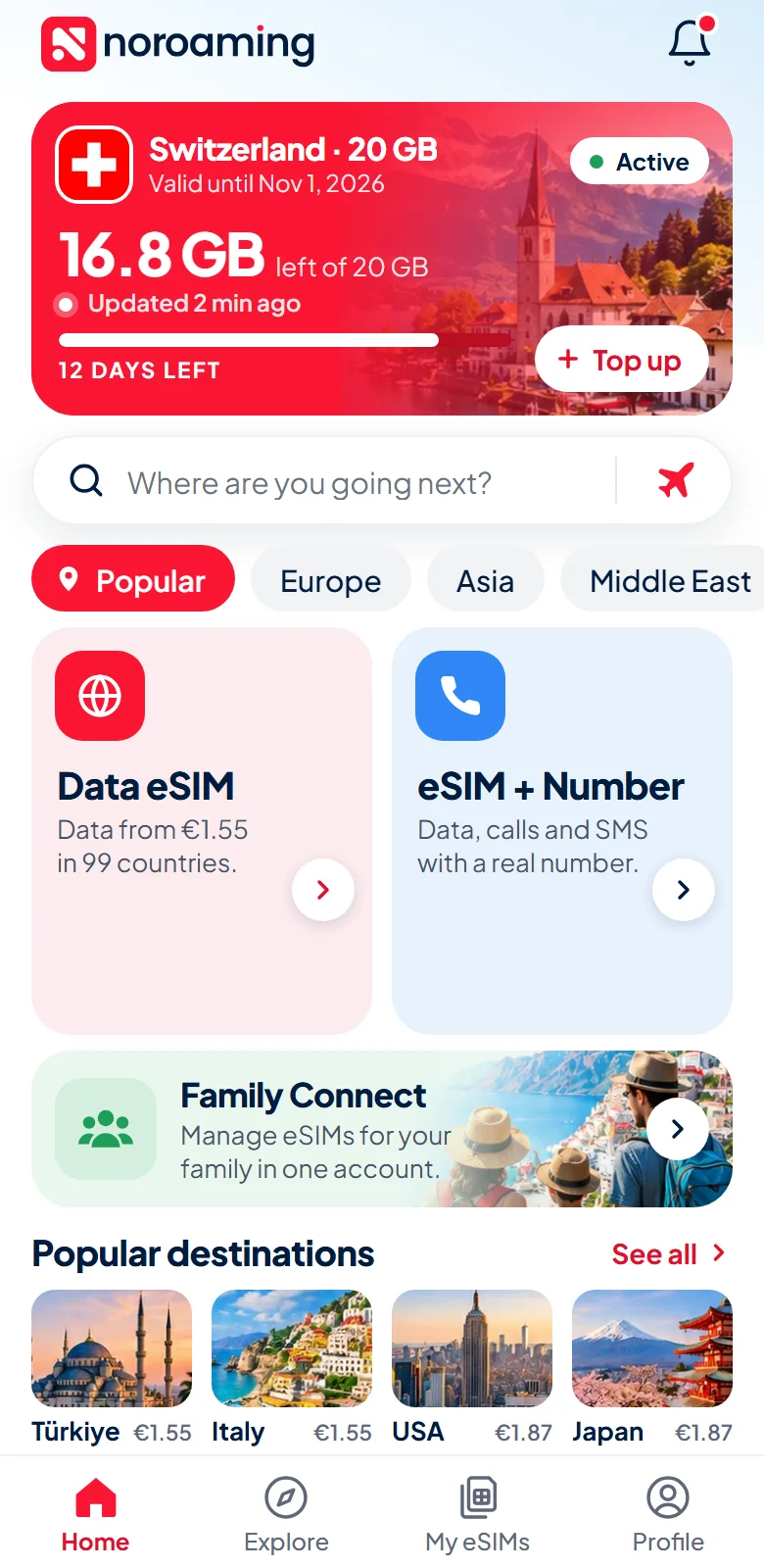
The app has four sections at the bottom of the screen: Home, Explore, My eSIMs and Profile.
Home shows the eSIM you are using now and how much data is left. In Explore you pick a country or region and buy a plan. My eSIMs holds all your eSIMs, with install, top-up and refund. Profile has your account, cards, invoices, invites and support.
1Download NoRoaming from the App Store or Google Play.
2Enter your email and the 6-digit code we send you. There is no password.
3In Explore, choose a country and a plan, then pay.
4Install the eSIM before your trip, on a stable Wi-Fi.
5When you arrive, turn on the eSIM for mobile data.