
Help center / Install
Switch to your travel eSIM when you arrive
An installed eSIM works only once your phone uses it for mobile data.
The app walks you through these settings (“Switch to your travel eSIM”); here they are in short:
1In your phone settings, turn on the NoRoaming line.
2For mobile data (Cellular Data / Mobile data), choose NoRoaming.
3On the NoRoaming line, turn on Data roaming. It is needed and costs nothing extra.
4Turn off Wi-Fi and open any page to check that the phone really uses the travel eSIM.
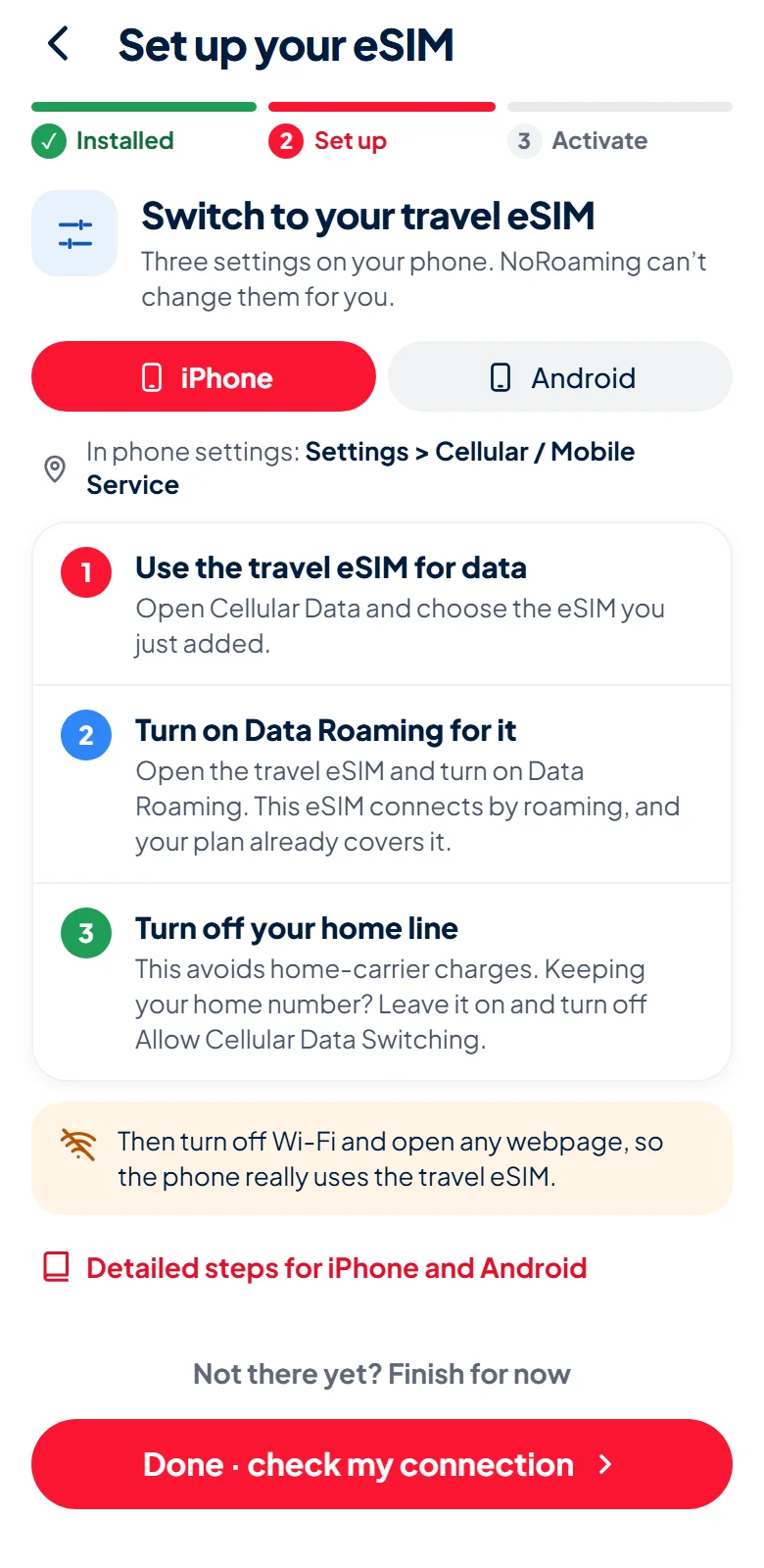
Your home number can stay on for calls and SMS. Turn off only its mobile data, so your home carrier does not charge you roaming.