
Help center / Account & sign-in
Sign in without a password
A NoRoaming account has no password.
You enter your email and we send a 6-digit code. The code is valid for 5 minutes and works only once.
1Tap “Sign in” and enter your email.
2Open the email from NoRoaming and type the code.
3Tap “Verify”.
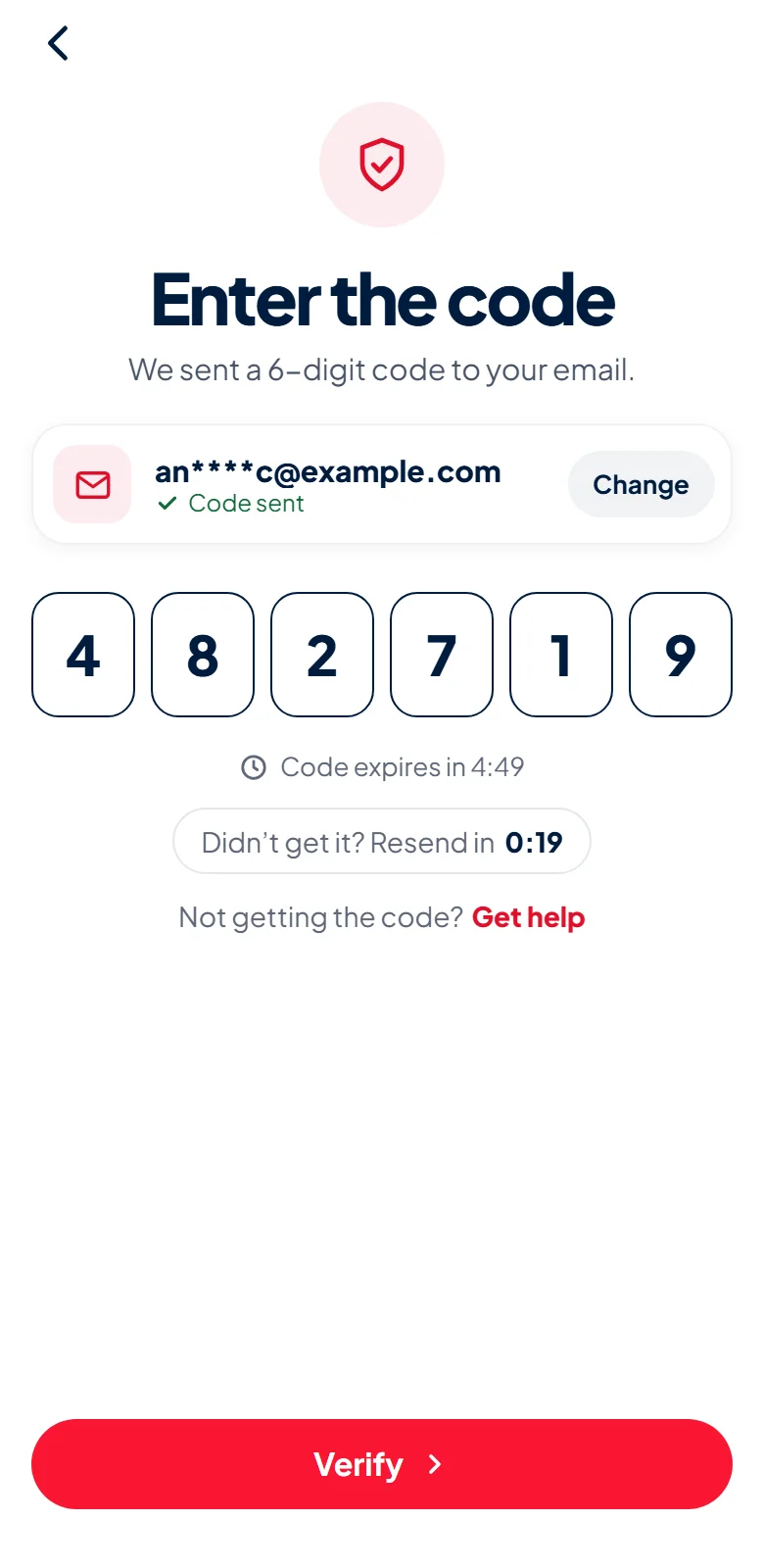
No code? Check your spam folder. You can ask for a new code after a short wait, and above the code there is a “Change” button if you mistyped your email.