
Help center / Family & gifts
How Family Connect works
Family Connect links your account with your family’s accounts.
You pay, and they use their own eSIMs on their own phones.
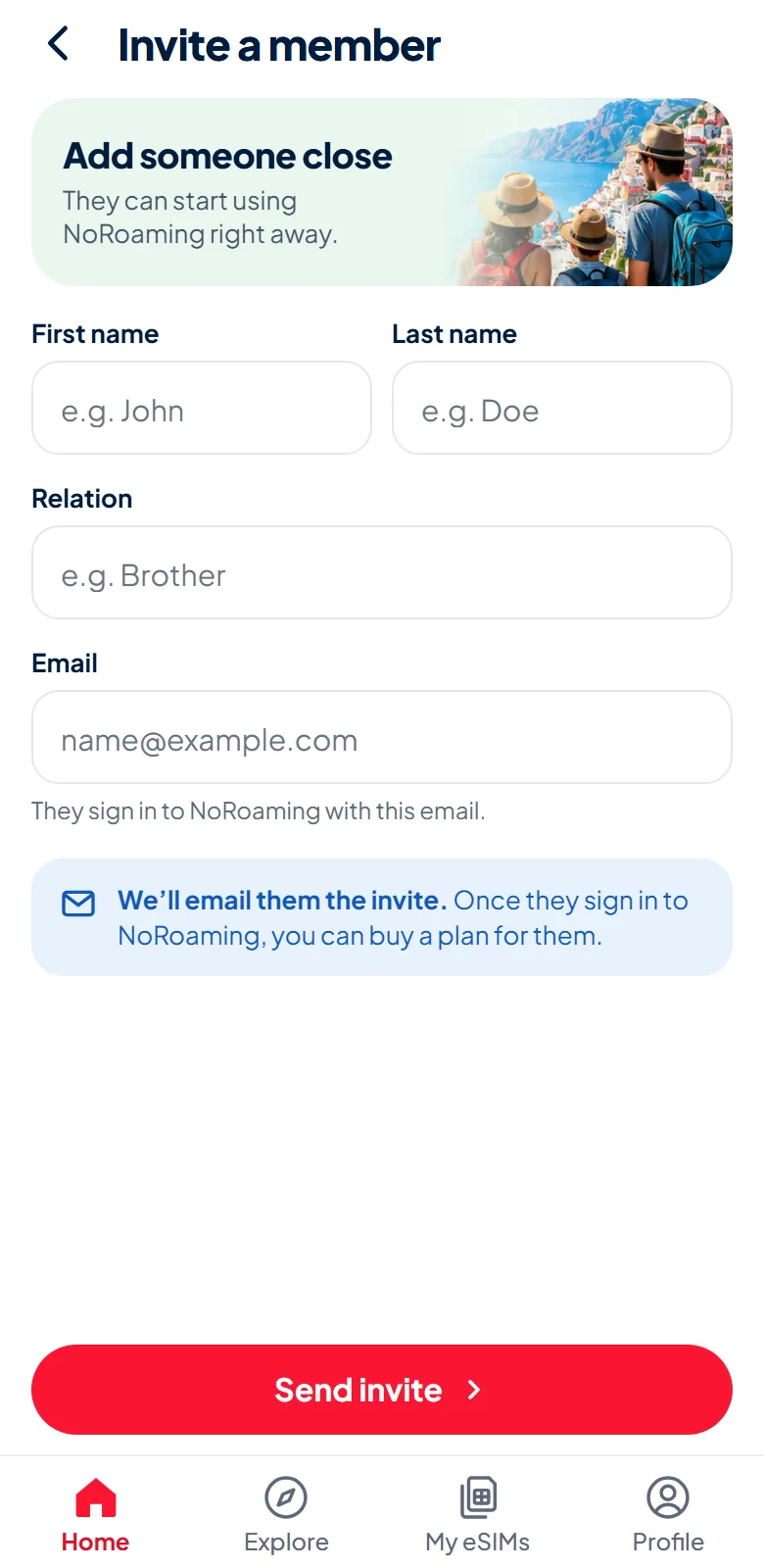
1Open Profile › Family Connect and tap “Add member”.
2Enter the family member’s email. The invite arrives by email.
3Once they accept, you buy and top up plans for them from your app.
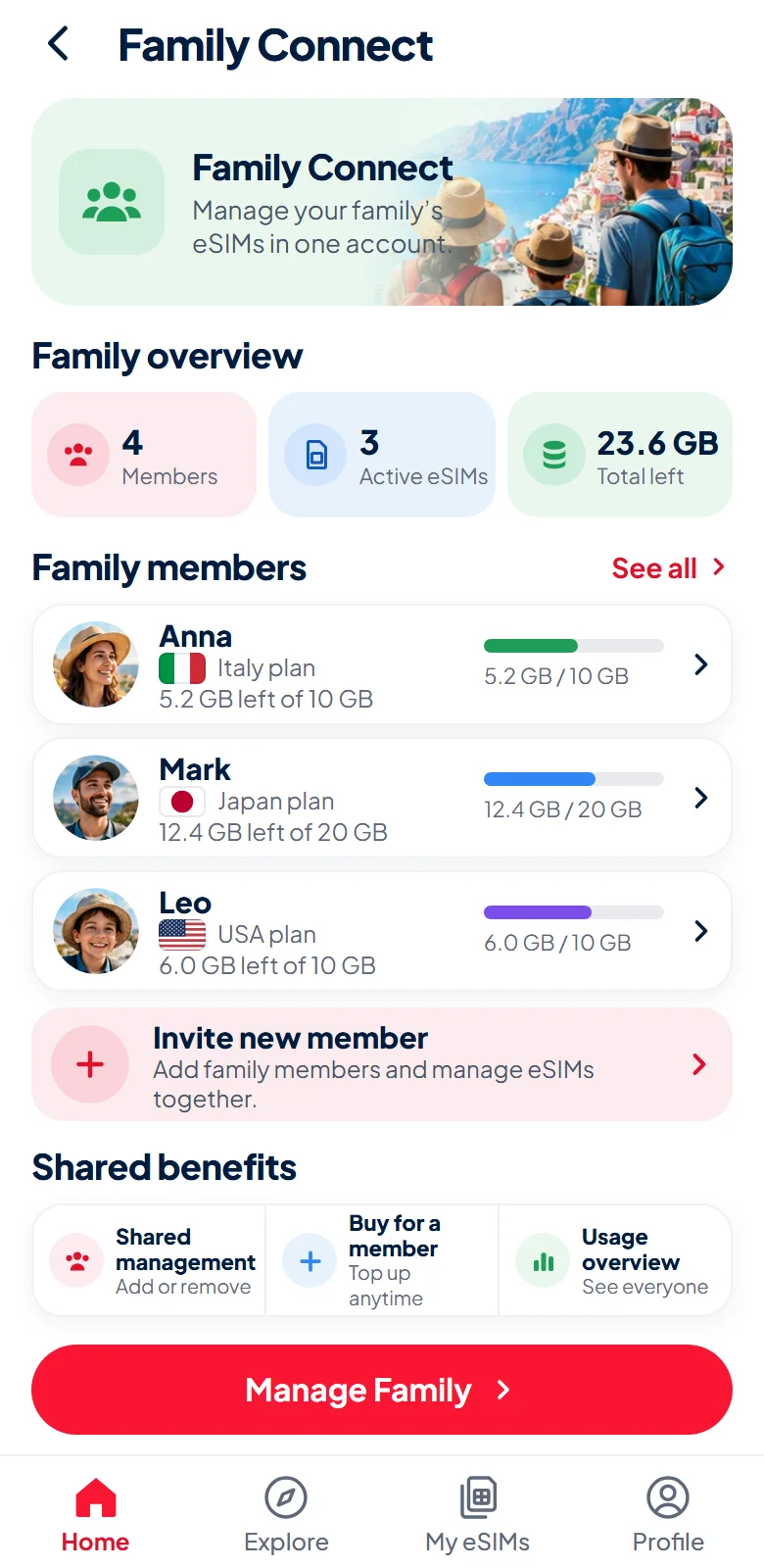
Only you buy plans for members. A member sees only their own eSIMs. You can end the link whenever you want, and access stops immediately.
Open Family Connect in your account or in the NoRoaming app.