
Help center / Data & top-up
How to top up data
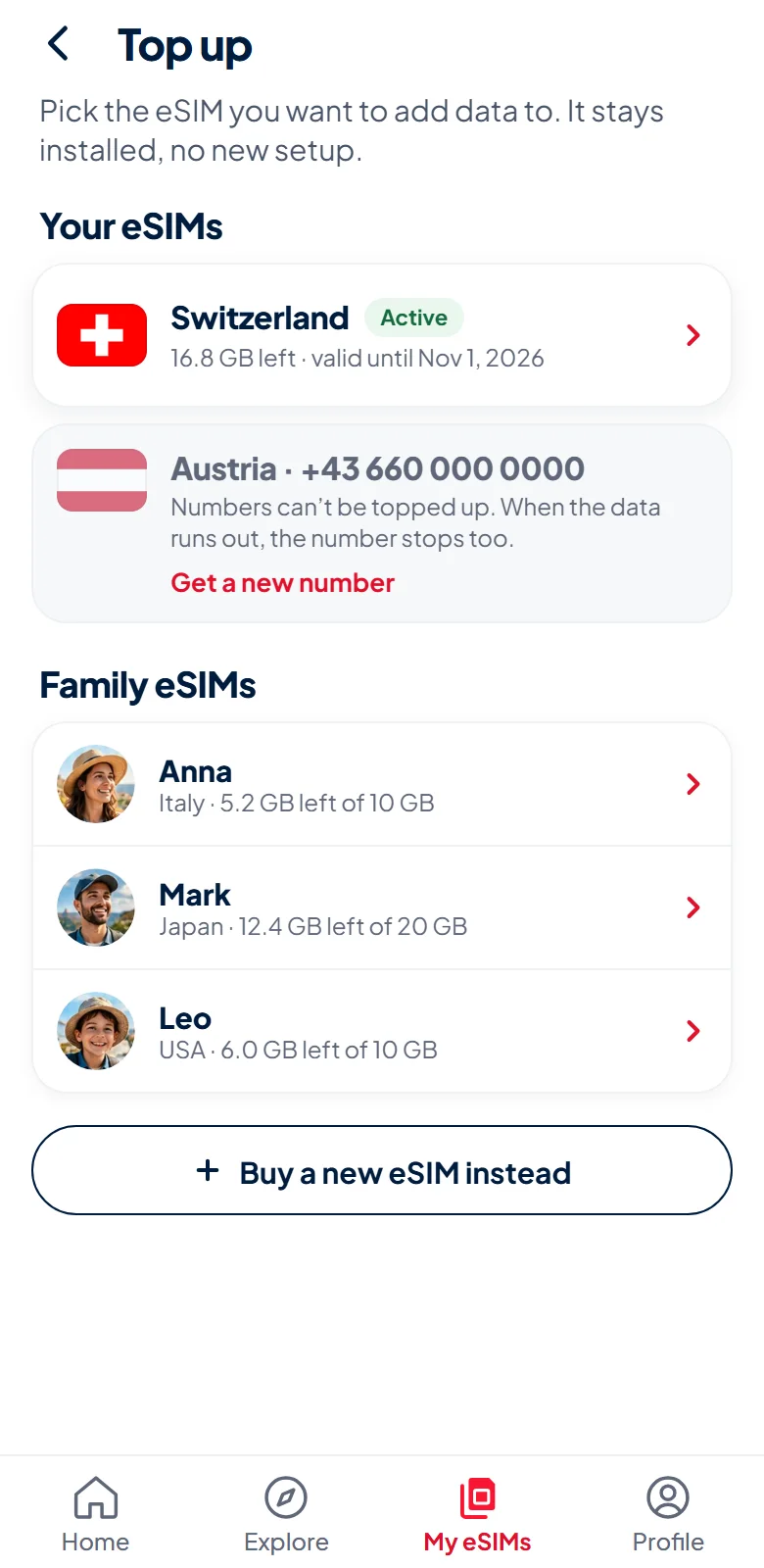
A top-up adds data to the eSIM you already have, so you do not need to install anything again.
1Open My eSIMs and choose the eSIM.
2Tap “Top up”.
3Choose a plan and pay as when you buy.
The new data is added to the same line after payment. You get an email with the invoice.
Travel numbers (eSIM + Number) and Unlimited plans cannot be topped up; buy a new plan for them.
Open Top up in your account or in the NoRoaming app.