
Centar za pomoć / Install
Manual install (SM-DP+ address and code)
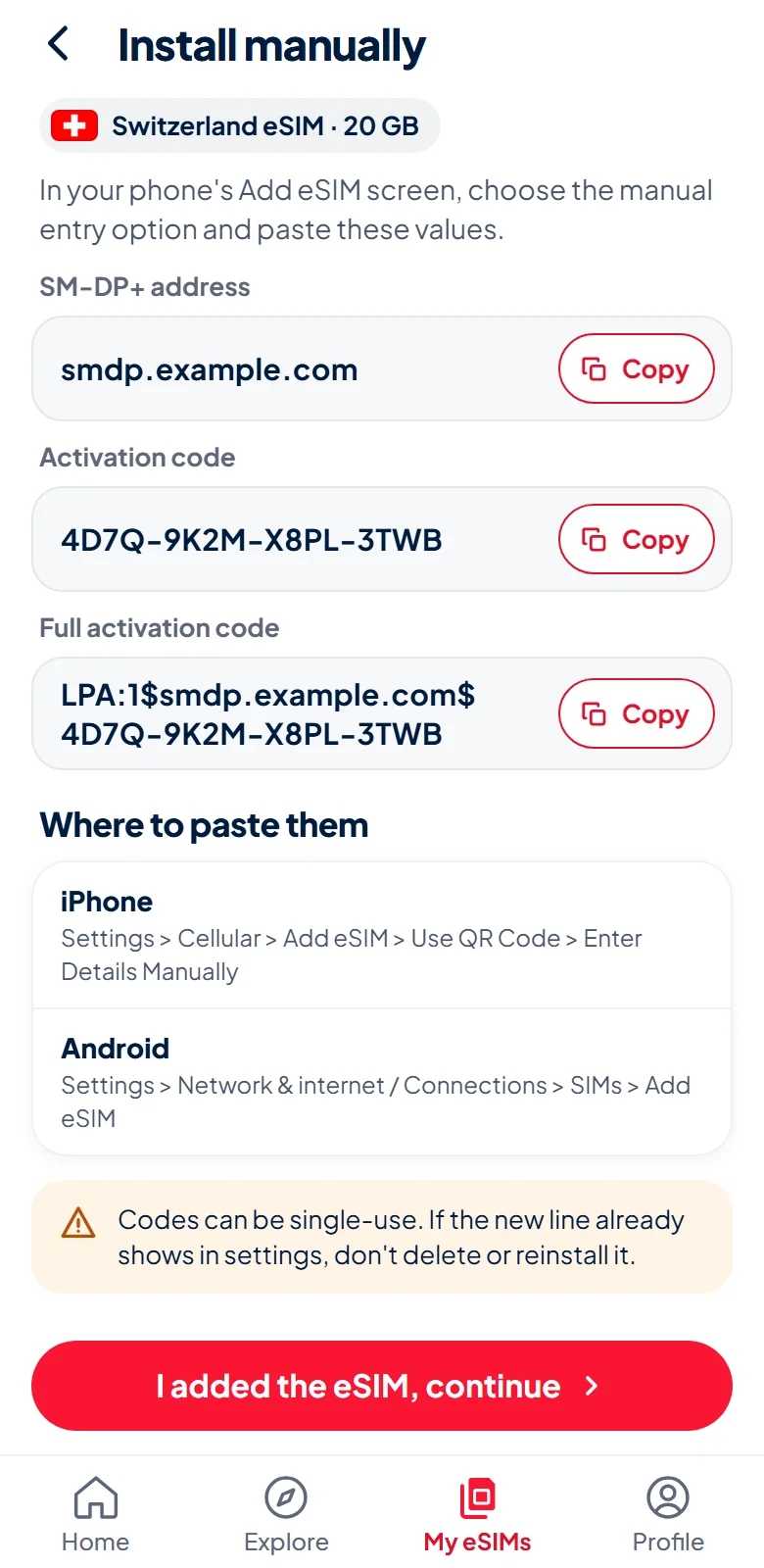
If neither one tap nor the QR code works, you can enter the eSIM details by hand.
1In the app, open My eSIMs › eSIM › “Set up eSIM” › “Enter details manually”.
2Copy the SM-DP+ address and the activation code.
3On iPhone: Settings › Cellular › Add eSIM › Use QR Code › Enter Details Manually.
4On Android: Settings › Network & internet (or Connections) › SIMs › Add eSIM, then manual entry.
5Paste both values, confirm, and in the app tap “I added the eSIM, continue”.
On the NoRoaming line, turn on Data roaming. It is needed and costs nothing extra.