Centar za pomoć / Payments & refunds
How to buy an eSIM on the website
Buying on noroaming.com takes a couple of minutes and needs no password or registration.
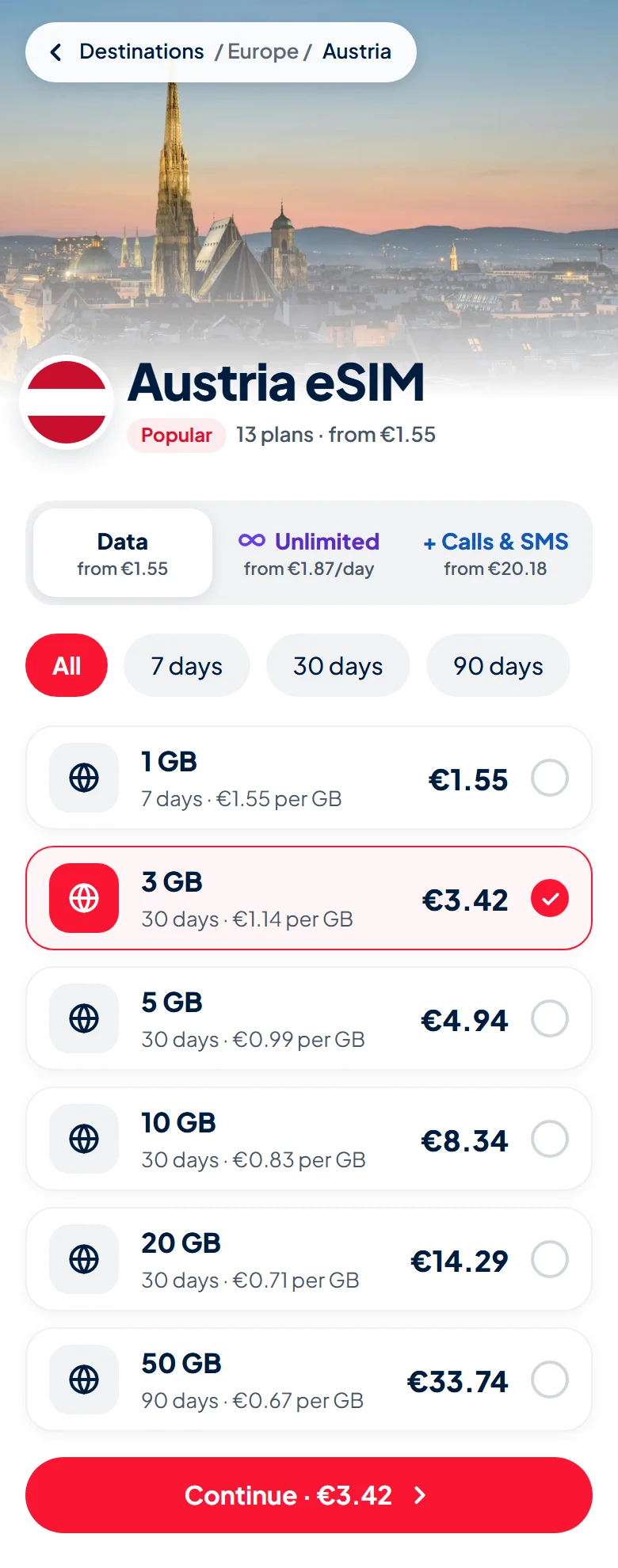
1Choose a country or region, then a plan, and click it.
2Enter your email. The code, the eSIM and the invoice go to this email.
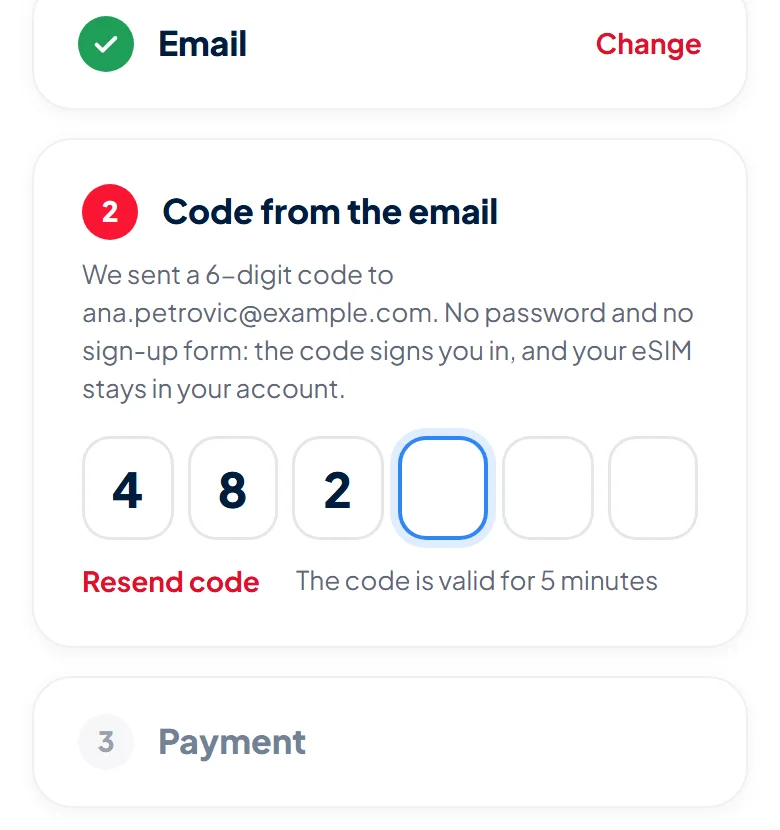
3Type the 6-digit code from the email. The code signs you in, and the account is created automatically.
4If you have a promo code, enter it and click “Apply”.
5Choose a payment method and enter your details.
6Tick the consent so we can send you the eSIM right away, then click “Pay”.
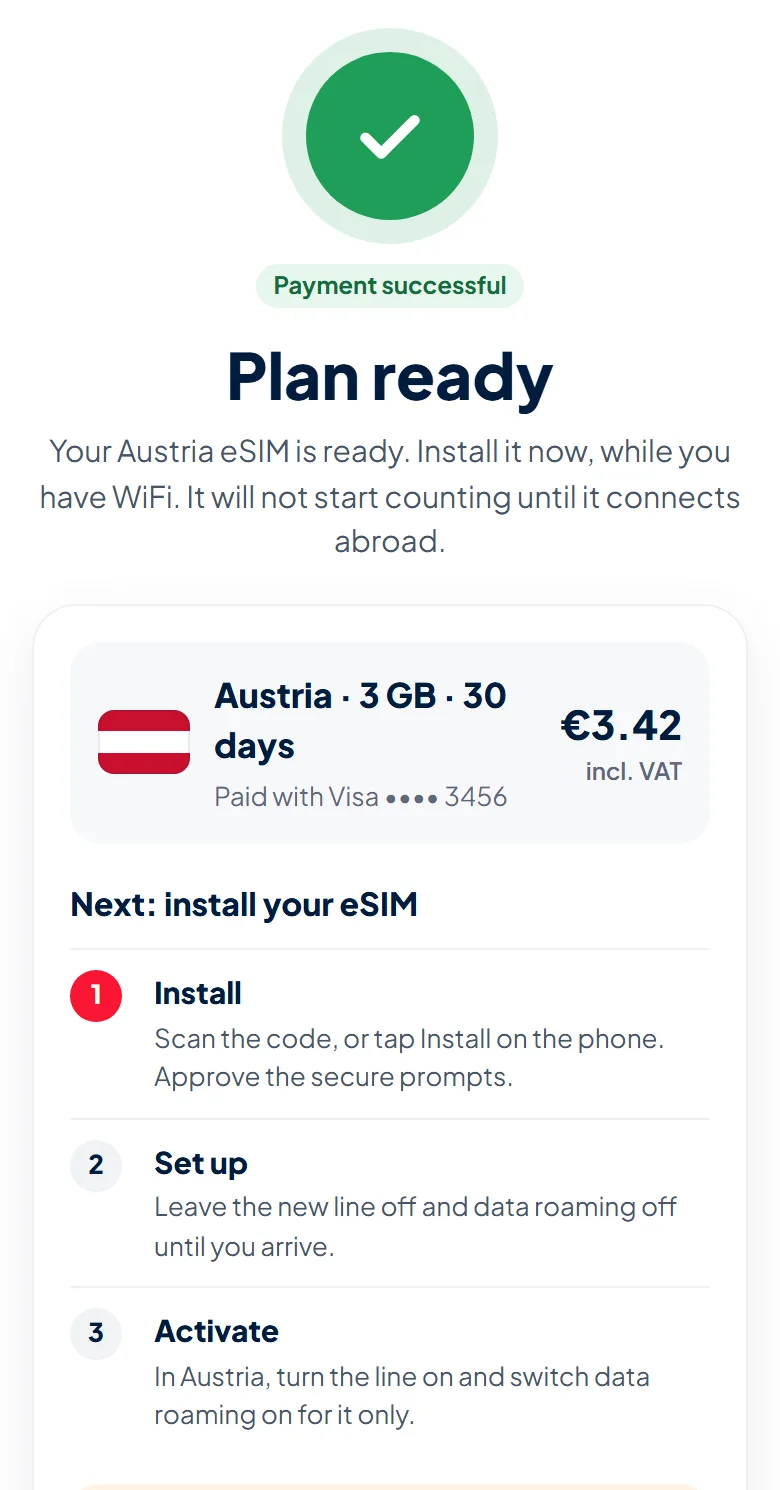
After payment the eSIM is in My eSIMs on the website and in the app, and the QR code and install details arrive by email.